✦ Collection list: Scroll
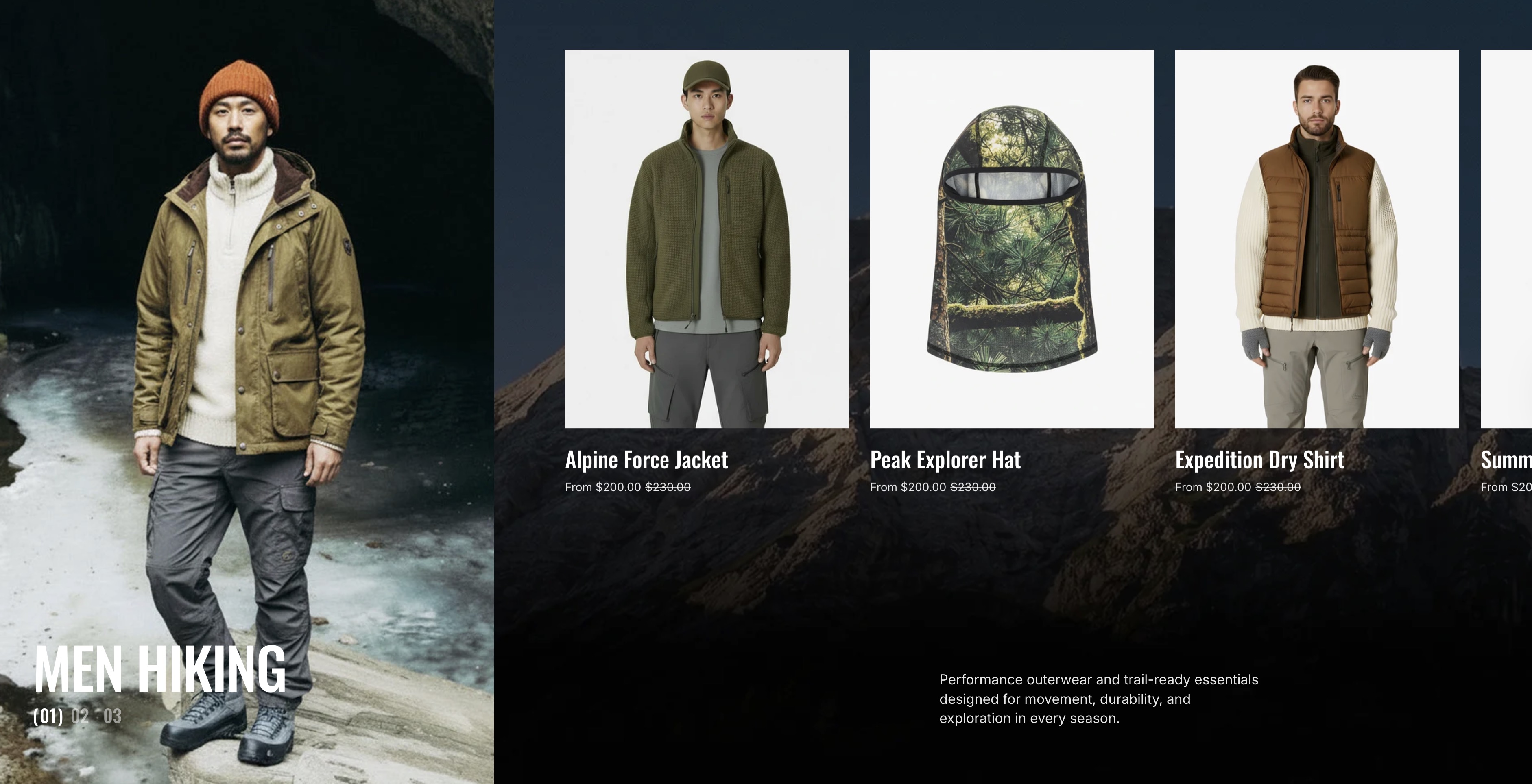
Display a list of collection images in the sidebar, with the corresponding product list shown alongside. When clicking on an indexed collection image in the sidebar, the product list updates accordingly. Additionally, the product list scrolls smoothly for an enhanced browsing experience.
info
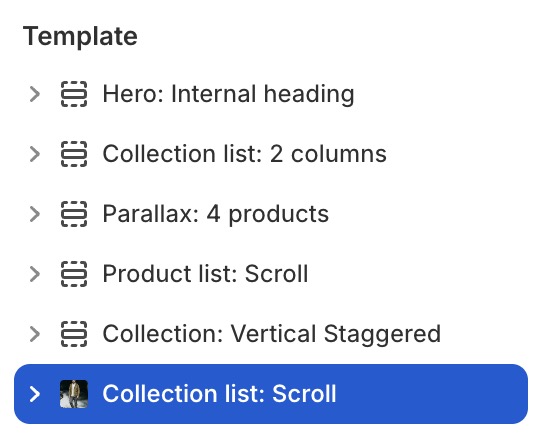
- In the theme editor (Customize), click Add section.
- Locate Collection list: Scroll.
- Make necessary changes. > Save
Select a setting described in the following table
| Setting name | Description |
|---|---|
| Section settings | Includes common section settings: General, Appearance, Padding. View Section settings |