✦ Tabs with image
Displays product specifications and technical drawings in an interactive tabbed layout. Creates an organized and informative experience while allowing customers to explore key features, materials, dimensions, and construction details.
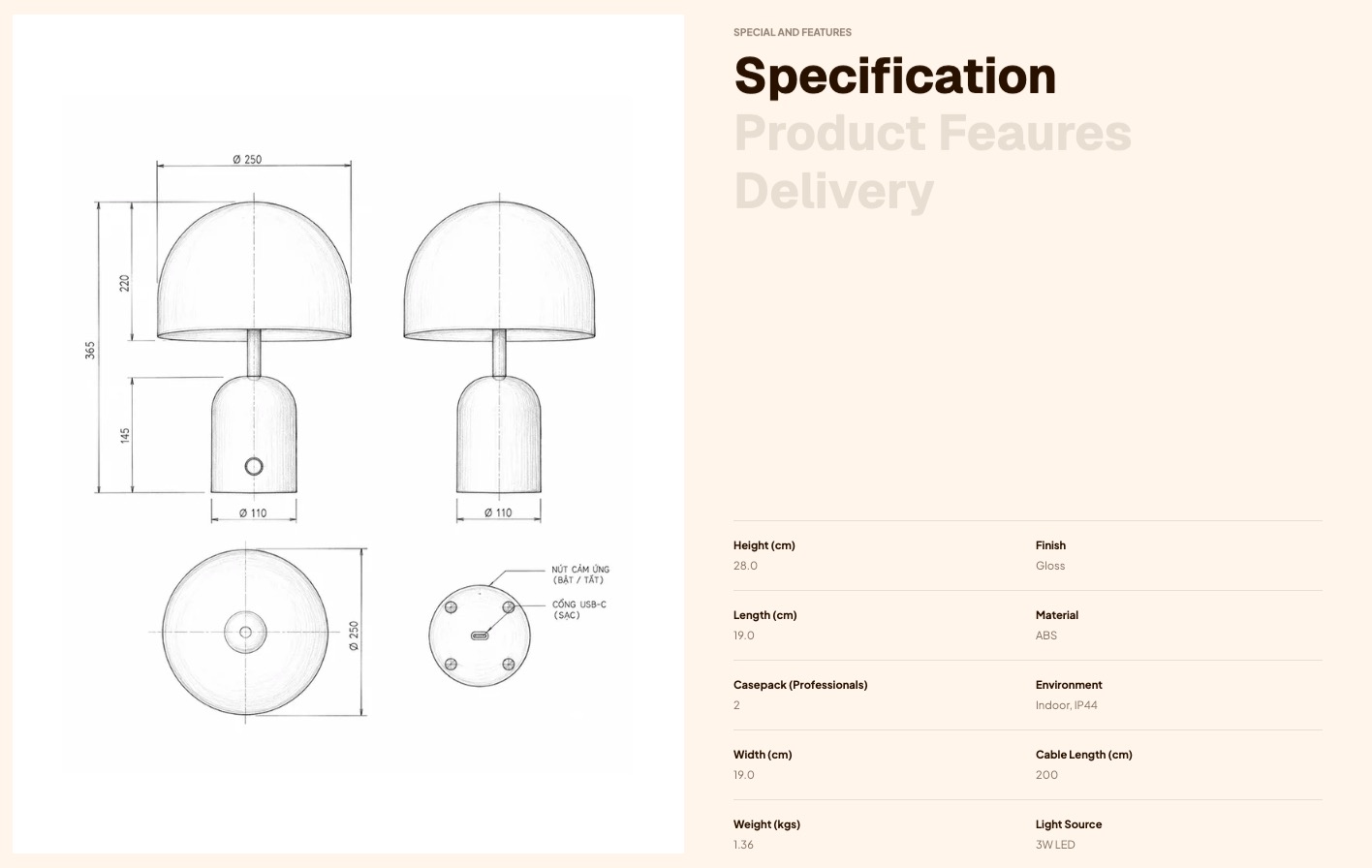
info
- In the theme editor (Customize), click Add section.
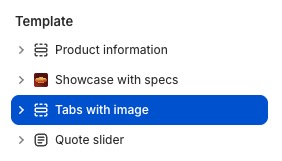
- Locate Tabs with image.
- Make necessary changes. > Save
Select a setting described in the following table
| Setting name | Description |
|---|---|
| Section settings | Includes common section settings: General, Appearance, Padding. View Section settings |