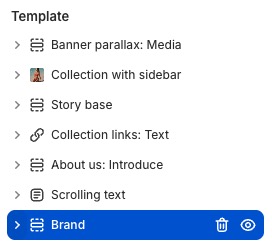
✦ Brand
Displays a set of icons paired with short text descriptions to highlight key features, services, or benefits in a clear and visually engaging way.

info
- In the theme editor (Customize), click Add section.
- Locate Brand.
- Make necessary changes. > Save
Select a setting described in the following table
| Setting name | Description |
|---|---|
| Section settings | Includes common section settings: General, Appearance, Padding. View Section settings |