✦ Product with sidebar
Displays a set of products pulled from a chosen collection, with supporting text on the side. Helps highlight best-selling or featured items while providing context or messaging to guide customer interest.
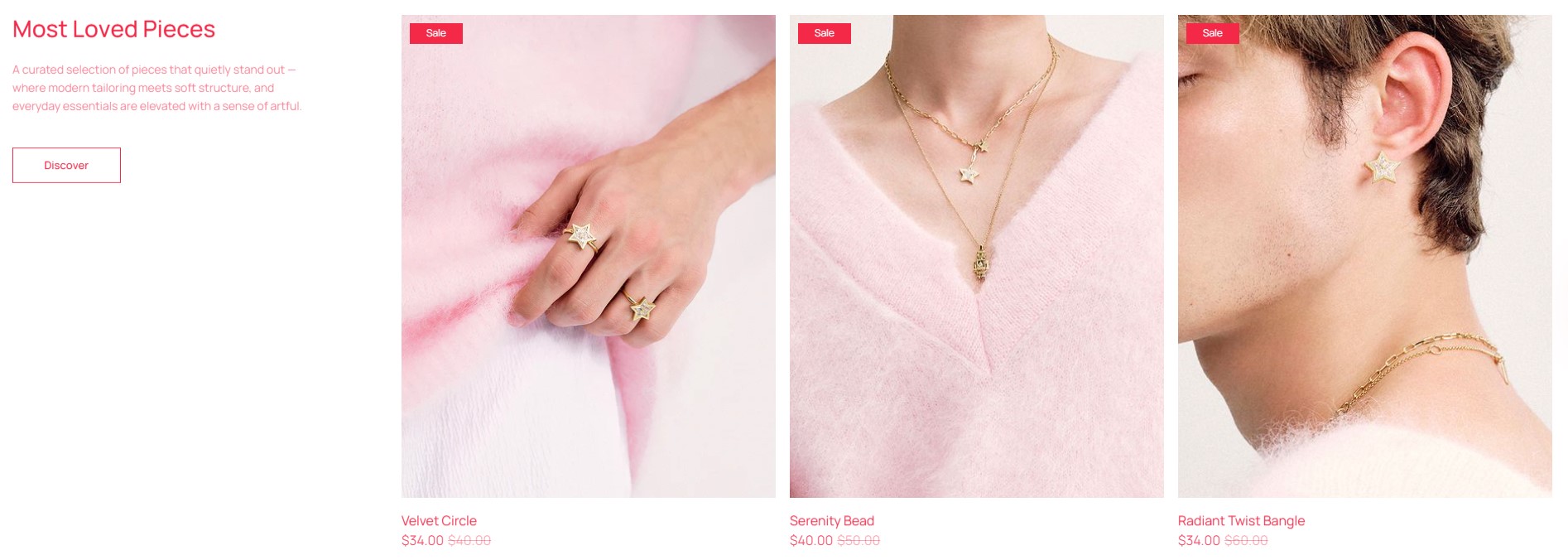
info
- In the theme editor (Customize), click Add section.
- Locate Product with sidebar.
- Make necessary changes. > Save
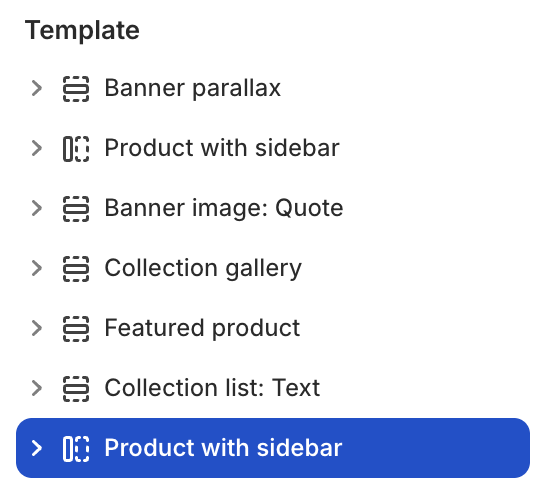
Select a setting described in the following table
| Setting name | Description |
|---|---|
| Collection | Select collection. |
| Number of products to show | Limit the number of products to show: from 1 to 16. |
| Sidebar position | Choose the position of the sidebar: Left, Right. |
| Cards layout | Adjust the layout of the product cards: type, column, gap. |
| Cards layout advanced | Adjust the height of the rows in the layout by percentage: from 1 to 90. |
| Section settings | Includes common section settings: General, Appearance, Padding. View Section settings |