✦ Product information
Displays detailed information about a product, such as description, specifications, and key features.
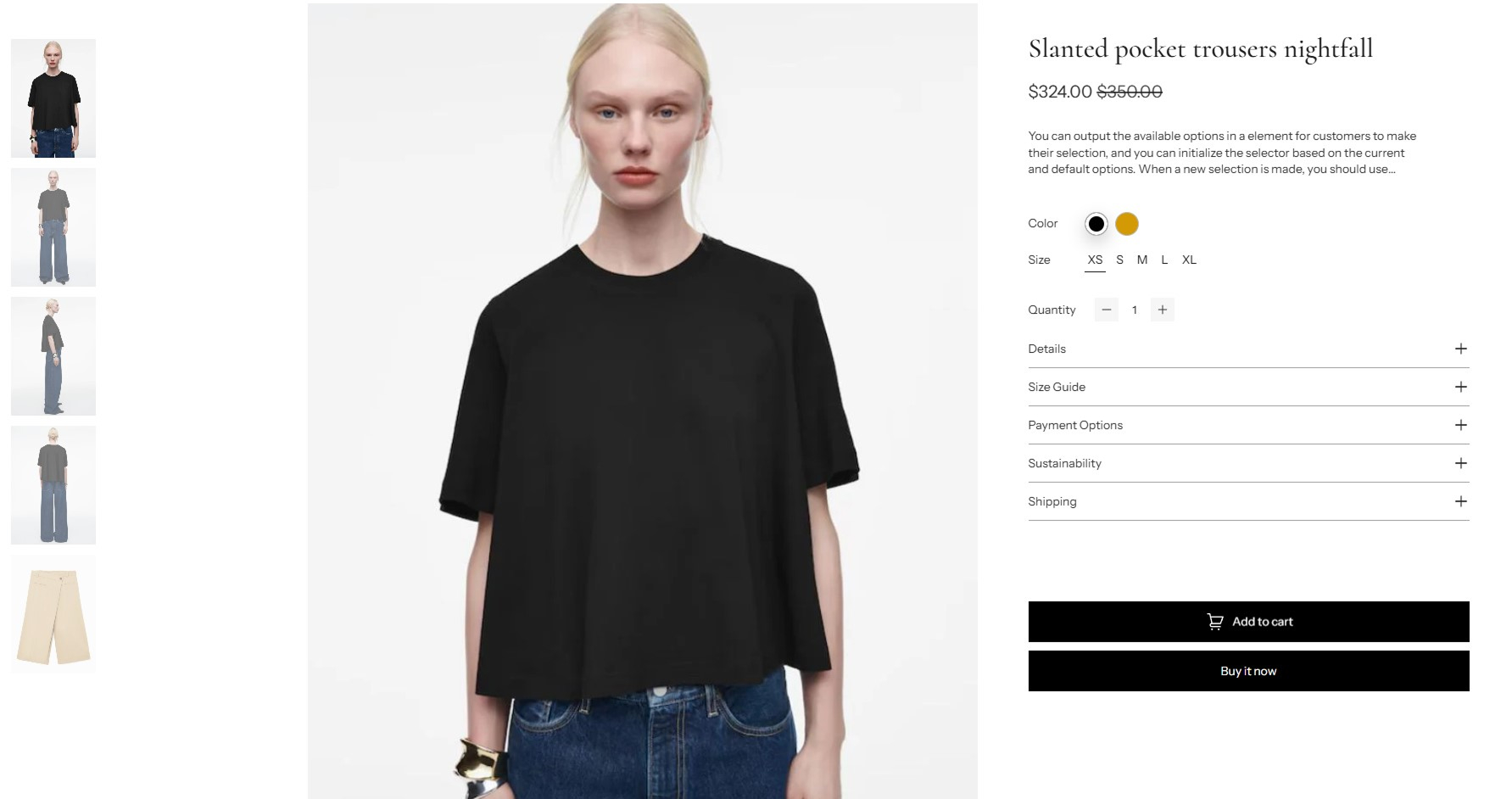
info
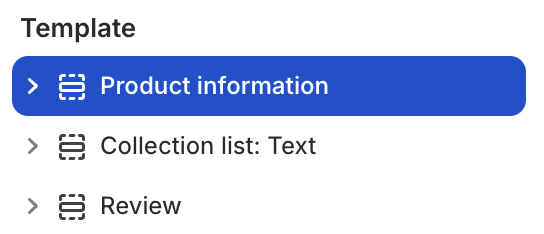
- In the theme editor (Customize), click Add section.
- Locate Product information.
- Make necessary changes. > Save
Select a setting described in the following table
| Setting name | Description |
|---|---|
| Sticky cart type | Choose the style of sticky cart: Quick add, Standard add. |
| Column | Adjust the number of columns grid layout: from 1 to 12. |
| Gap | Adjust the gap between columns: Global, Custom. |
| Media position | Choose the position of the media images: Left, Right. |
| Fixed row | Adjust the height of the rows in the layout by percentage: from 1 to 90. |
| Section settings | Includes common section settings: General, Appearance, Padding. View Section settings |