✦ Footer
Appears and features information at the bottom of the page
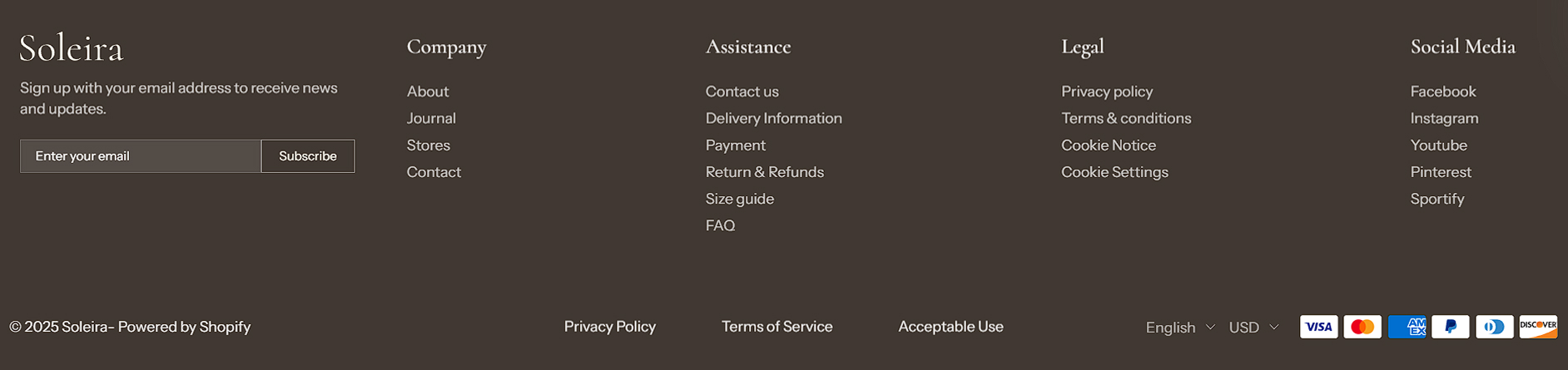
The footer is the section of content at the bottom of a web page. The footer menu typically contains quick links to your homepage, about us page, blogs page, contact page, policy page, etc.
A great website footer will help your visitors navigate your site and will lead to a greater ecommerce experience.
info
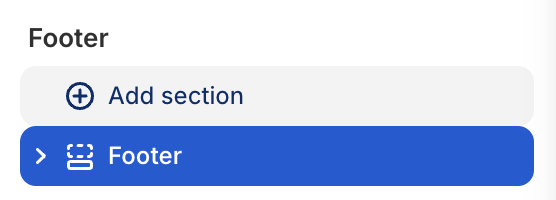
- In the theme editor (Customize), click Add section.
- Locate Footer.
- Make necessary changes. > Save
Select a setting described in the following table
| Setting name | Description |
|---|---|
| Section settings | Includes common section settings: General, Appearance, Padding. View Section settings |