✦ Brand: Overview
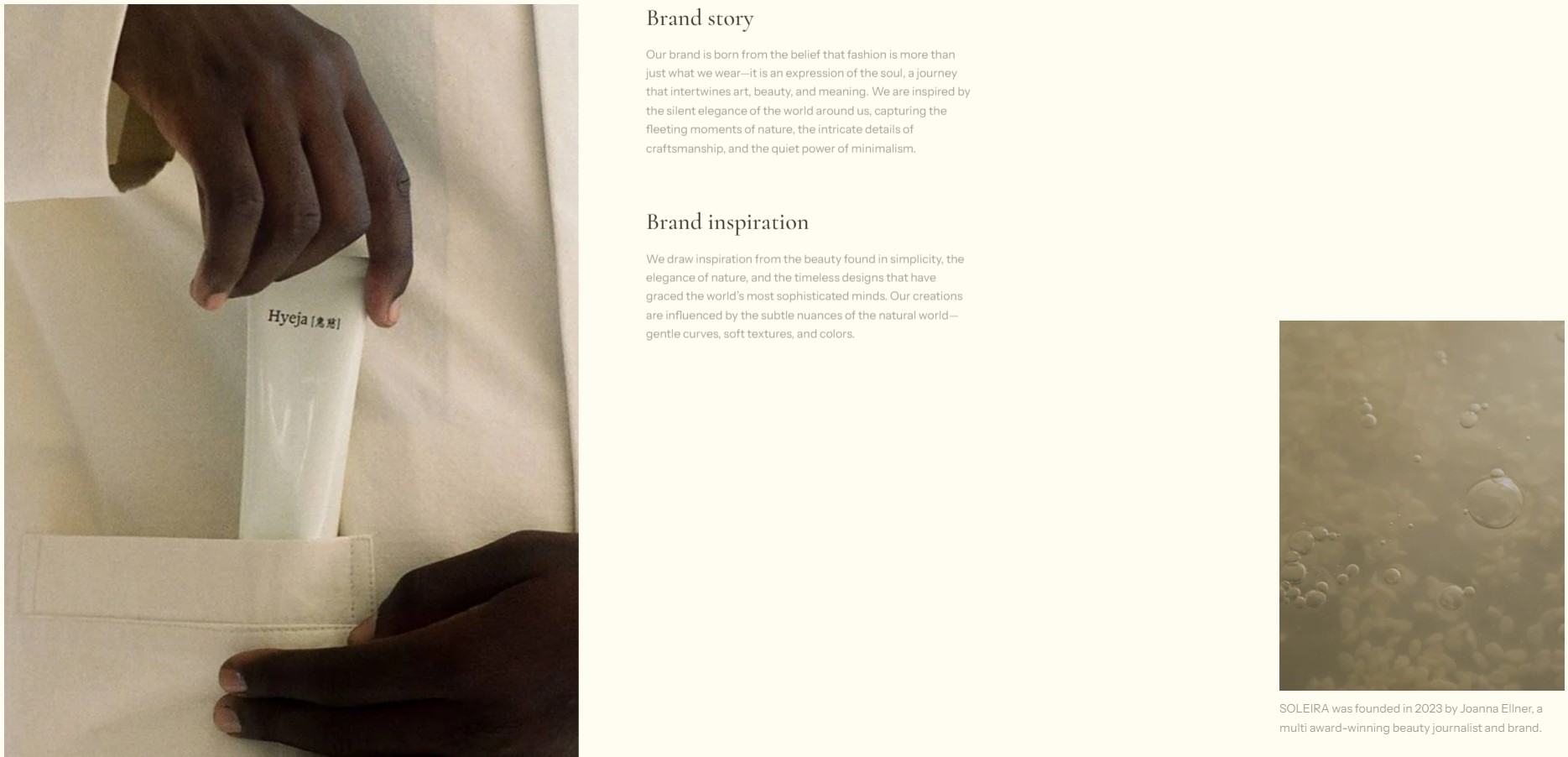
Displays an image with accompanying text to highlight the core values or essence of the brand, helping communicate brand identity clearly.
info
- In the theme editor (Customize), click Add section.
- Locate Brand: Overview.
- Make necessary changes. > Save

Select a setting described in the following table
| Setting name | Description |
|---|---|
| Section settings | Includes common section settings: General, Appearance, Padding. View Section settings |