✦ Announcement bar
Multiple announcement bars
An announcement bar is a sleek, attention-grabbing feature on your website designed to showcase key messages for your visitors. It's an easy and impactful tool to draw focus, promote exclusive offers, or communicate timely updates to your audience as they navigate your site.

info
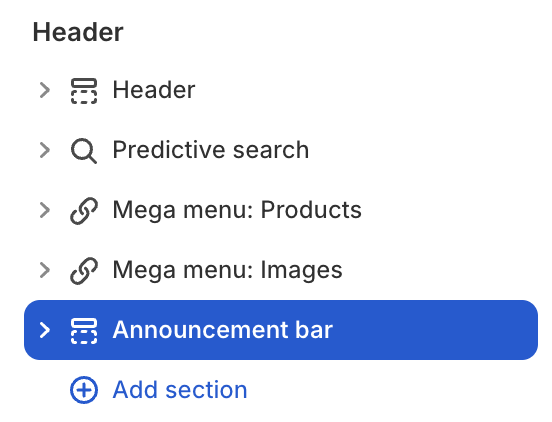
- In the theme editor (Customize), click Add section.
- Locate Announcement bar.
- Make necessary changes. > Save
Select a setting described in the following table
| Setting name | Description |
|---|---|
| Announcement style | Display settings for Announcement according to the following styles: Text inline, Carousel, Marquee. |
| Carousel | Adjust carousel style settings: Width, Height, Style, Autoplay, Speed. |
| Marquee | Adjust marquee style settings: Speed, Right to left direction, Stop when hover. |
| Text | Input text for each block item |
| Link | Input link for each block item |