✦ Header
The header is a content block at the upper part of your website that appears on every page. It usually contains the logo of a store, the main navigation menu, and other elements such as a search bar, shopping cart icon, etc.

info
- In the theme editor (Customize), click Add section.
- Locate Header.
- Make necessary changes. > Save
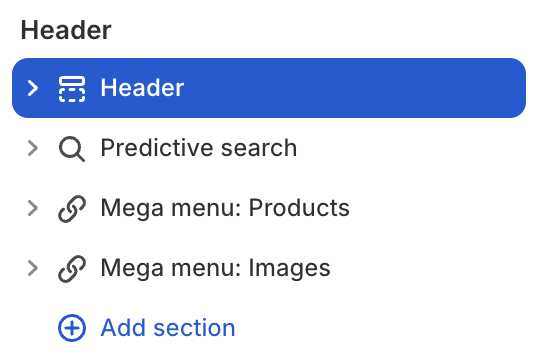
Select a setting described in the following table
| Setting name | Description |
|---|---|
| Sticky | Choose sticky header behavior when scrolling: Always, On scroll up, None. |
| Color scheme | Choose color scheme: from Scheme 1 to Scheme 5. |
| Layout | Adjust width and height settings. |
| Container | Adjust container width: Global, Box, Full. |
| Use absolute on pages | Adjust the absolute position of the header on specified pages: Home, Product, Collection, Collection list, Blog. |
| Borders | Adjust the border: Border, Corner radius, Shadow. |
| Padding | Adjust the padding: Top, Bottom, Left, Right. |