Group blocks
About
The Group block provides a perfect wrapper to group and control the direction and position of the items inside. All blocks in the theme can be added inside a group.
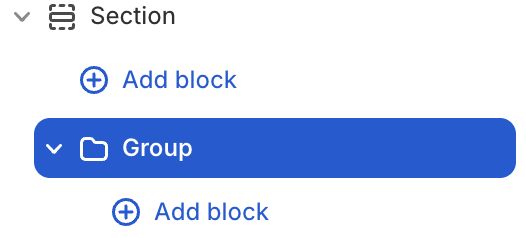
Group block settings
| Setting name | Description |
|---|---|
| Column span | Adjust column span number: from 1 to 12. |
| Row span | Adjust row span number: from 1 to 12. |
| Link | Add link to the layout item. |
| Layout | Adjust the direction and position of items: Direction, Alignment, Position, Gap, Reverse, Clip overflow content, Hide on mobile, Absolute. |
| Size | Adjust the size of the layout item: Width, Height, Max width. |
| Appearance | Adjust: Color scheme, Background type, Corner radius, Border. |
| Trigger on parent hover | Turn of Parent when you need to adjust hover effect to items child. |
| Animation | Adjust the show-up animation of items when scrolling after the page loads: None, Global, Custom. |
| Padding | Adjust the padding of layout item: Top, Bottom, Left, Right. |