Product card blocks
About
Product card blocks are specialized content blocks designed specifically for product sections, collection pages. These blocks provide a comprehensive interface for displaying product information, along with built-in features like Add to Cart and Quick View to make purchasing more convenient.
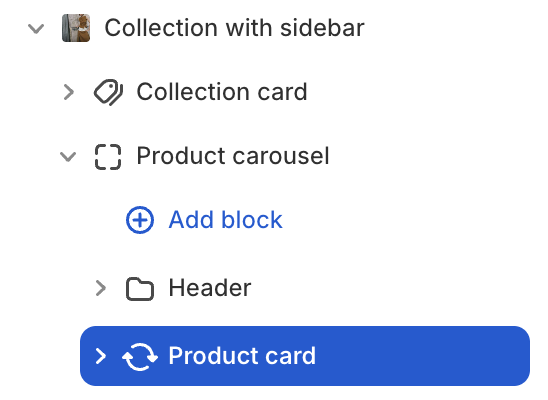
Product card's blocks inside
| Block name | Description |
|---|---|
| Product media | Show product medias: image, video, 3d model. |
| Sale | Show sale badge. |
| Product vendor | Show product vendor. |
| Product title | Show product title. |
| Product price | Show product price. |
| Variant option links | Show variant options. |
| Add to cart | Show add to cart button. |
| Quickview | Show quickview button. |
Best practices for product card
Something to keep in mind when using the Product card section:
- Remember to optimize product medias for a better loading speed
- You can hide certain block product information that you don’t want to display.
- It’s recommended to set up complete variant and sale information (if available) to ensure the product card is displayed fully.
note
The Product card block is a private block that can only be added within product sections or collection sections (where you can find product and collection input settings in those sections).